Understanding how your property is performing should be simple, transparent, and accessible at any time.
At Covara, you have full visibility through your dedicated owner portal, powered by Hostaway, giving you real-time access to bookings, revenue, occupancy, and performance insights.
This guide explains how to access your dashboard, what to look for, and how to confidently interpret your property’s performance.
Accessing Your Owner Portal
Where to Log In
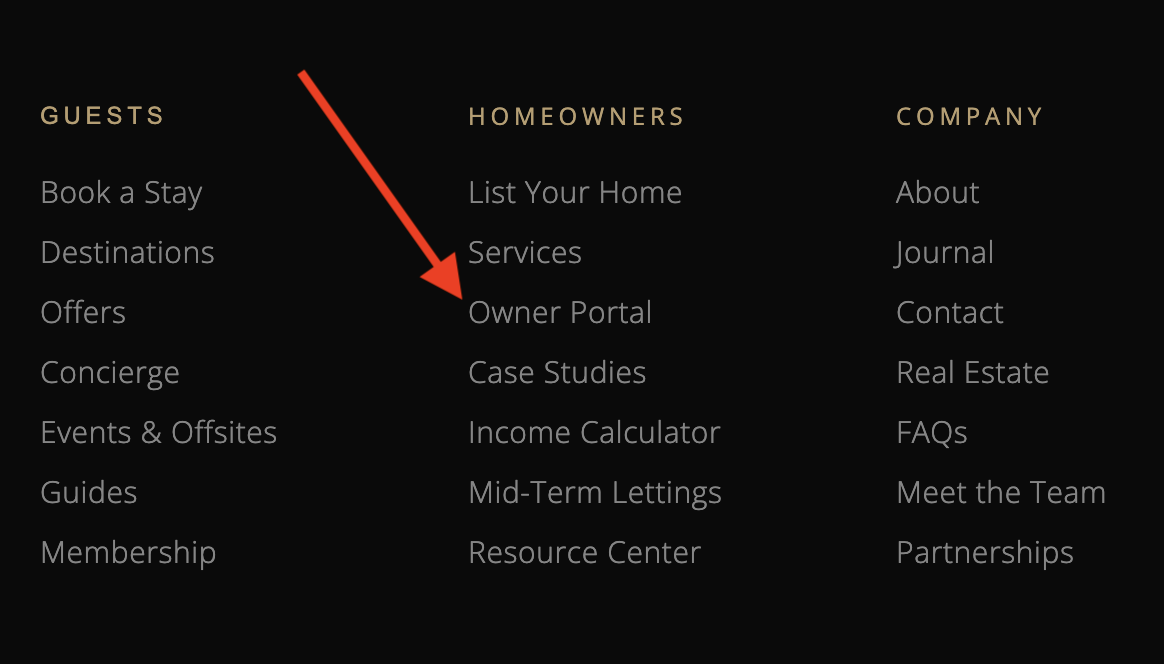
Your owner portal is accessible via:
- The footer link on the Covara website
- Directly through: https://dashboard.hostaway.com/
Your Login Details
You will be provided with:
- A secure username
- A password (or invitation link to set one)
If you ever have trouble accessing your account, Covara can assist with resetting your login.
What You’ll See When You Log In
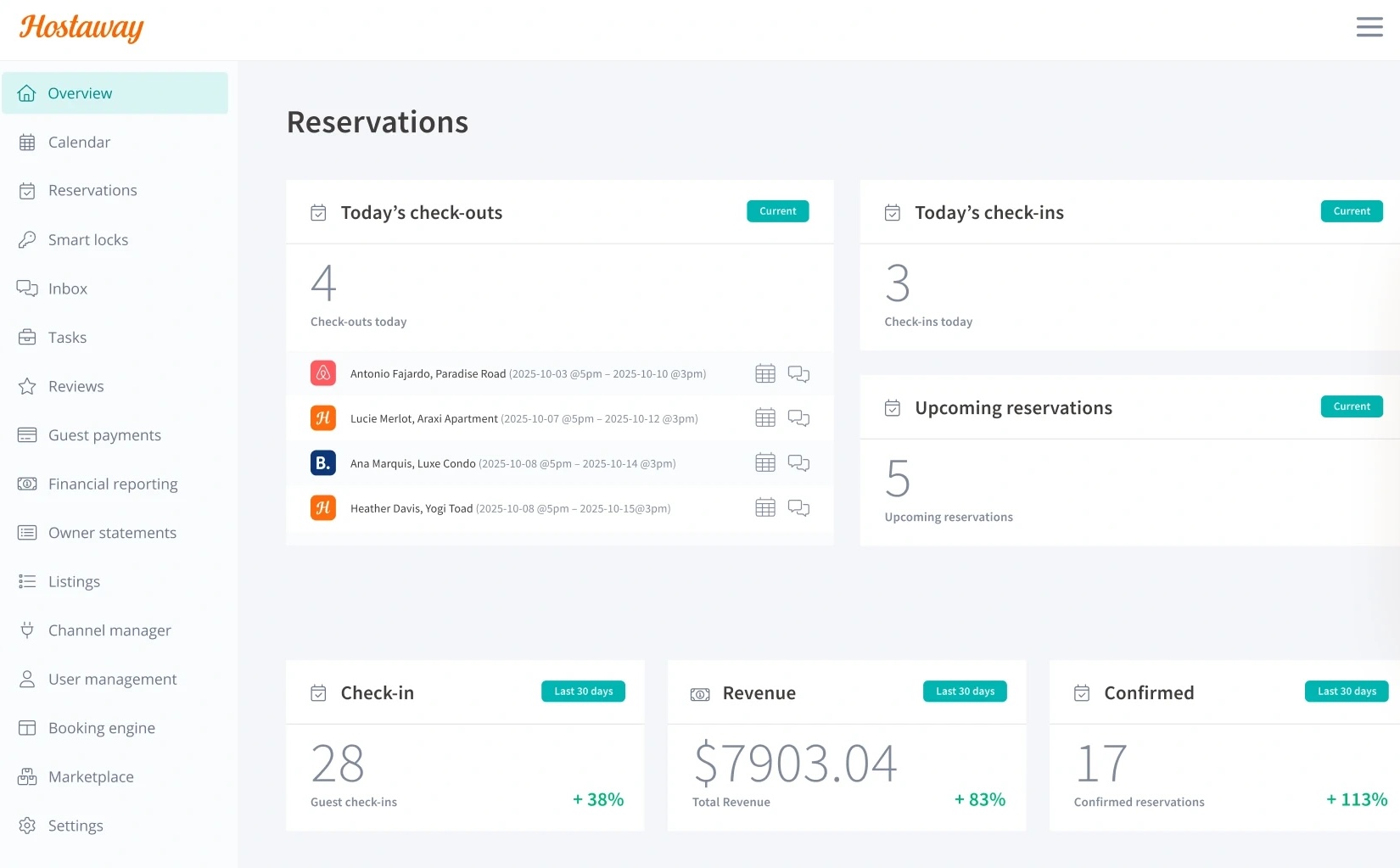
Once inside the dashboard, you’ll have access to:
- Booking calendar
- Upcoming and past reservations
- Revenue data
- Monthly statements
- Performance metrics
The dashboard is designed to give you a clear, real-time overview of your property.
Understanding Your Dashboard
Booking Calendar
The calendar shows:
- Confirmed bookings
- Blocked dates (owner use or maintenance)
- Availability
Reservation Details
Each booking includes:
- Guest stay dates
- Booking source (e.g. platform or direct)
- Total booking value
This allows you to track how your property is being used over time.
Monthly Statements Explained
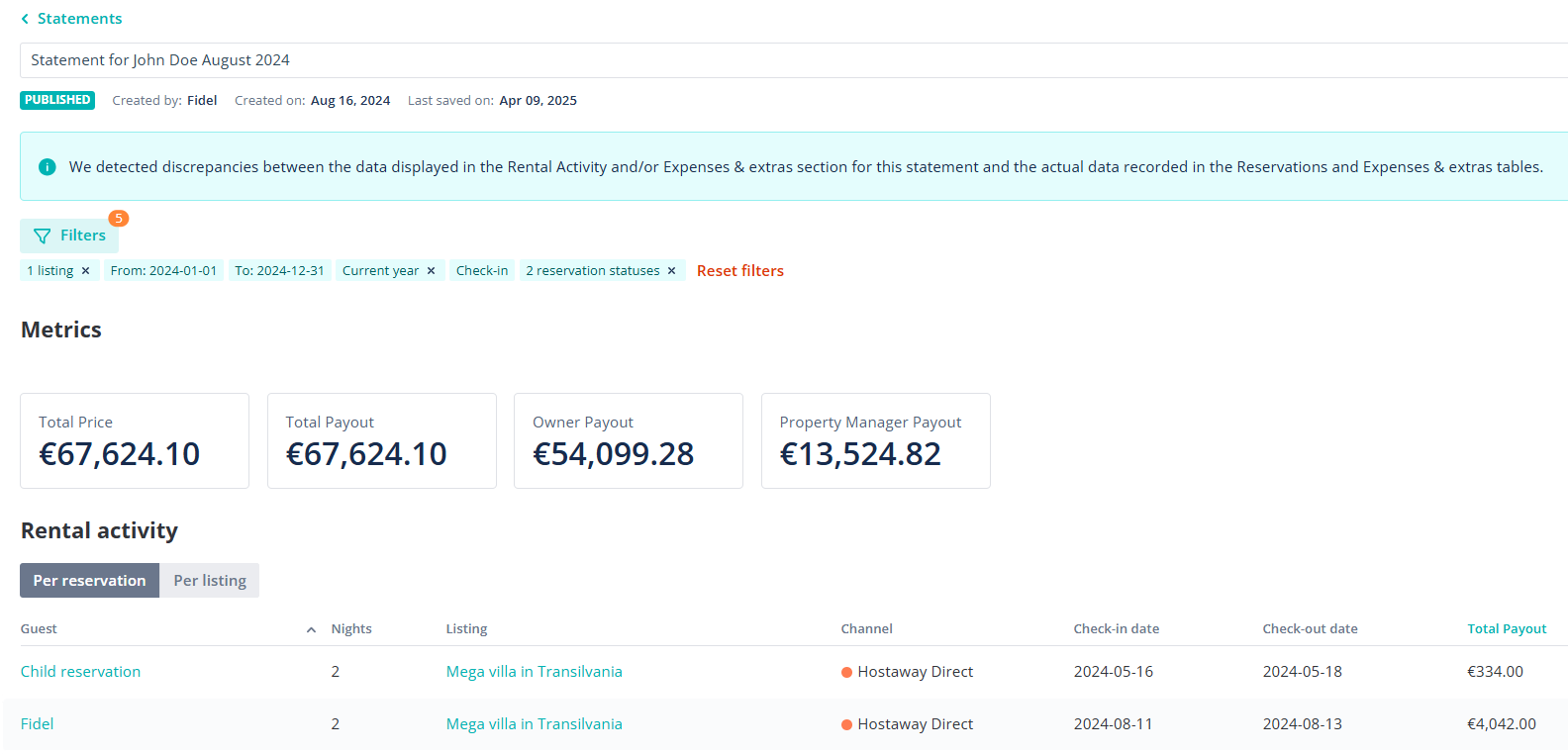
Your monthly statement provides a clear breakdown of income and expenses.
What’s Included
Your statement will typically show:
- Gross booking revenue
- Cleaning and operational costs
- Management fees
- Net payout to you
How to Read It
Gross Revenue
The total amount generated from bookings before deductions.
Deductions
These may include:
- Cleaning costs
- Platform fees (where applicable)
- Management fees
Net Income
The final amount paid to you after all costs.
When Statements Are Issued
Statements are typically:
- Generated monthly
- Available within your dashboard
- Supported by payout records
Understanding Occupancy Data
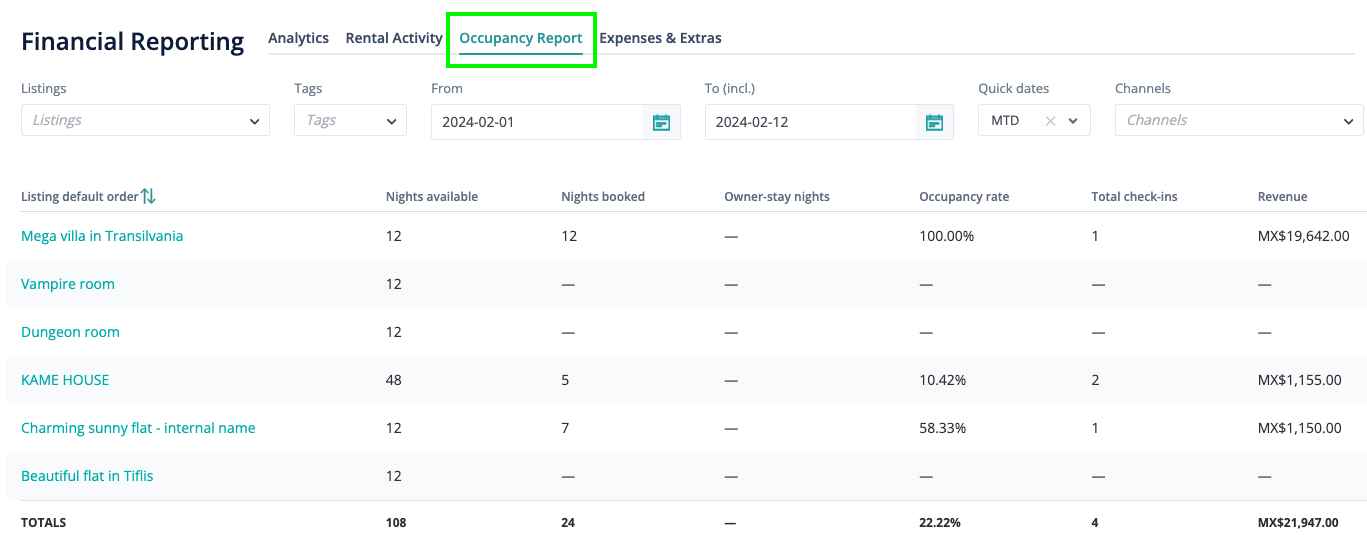
Occupancy is one of the key drivers of performance.
What Occupancy Means
Occupancy refers to:
- The percentage of nights your property is booked over a given period
How to Interpret It
High Occupancy
- Strong demand
- May indicate potential to increase pricing
Lower Occupancy
- Opportunity to adjust pricing or strategy
- Often influenced by seasonality
The Balance That Matters
Occupancy alone doesn’t tell the full story.
We focus on:
- Occupancy and nightly rate
- Revenue per available night
Tracking Revenue Performance
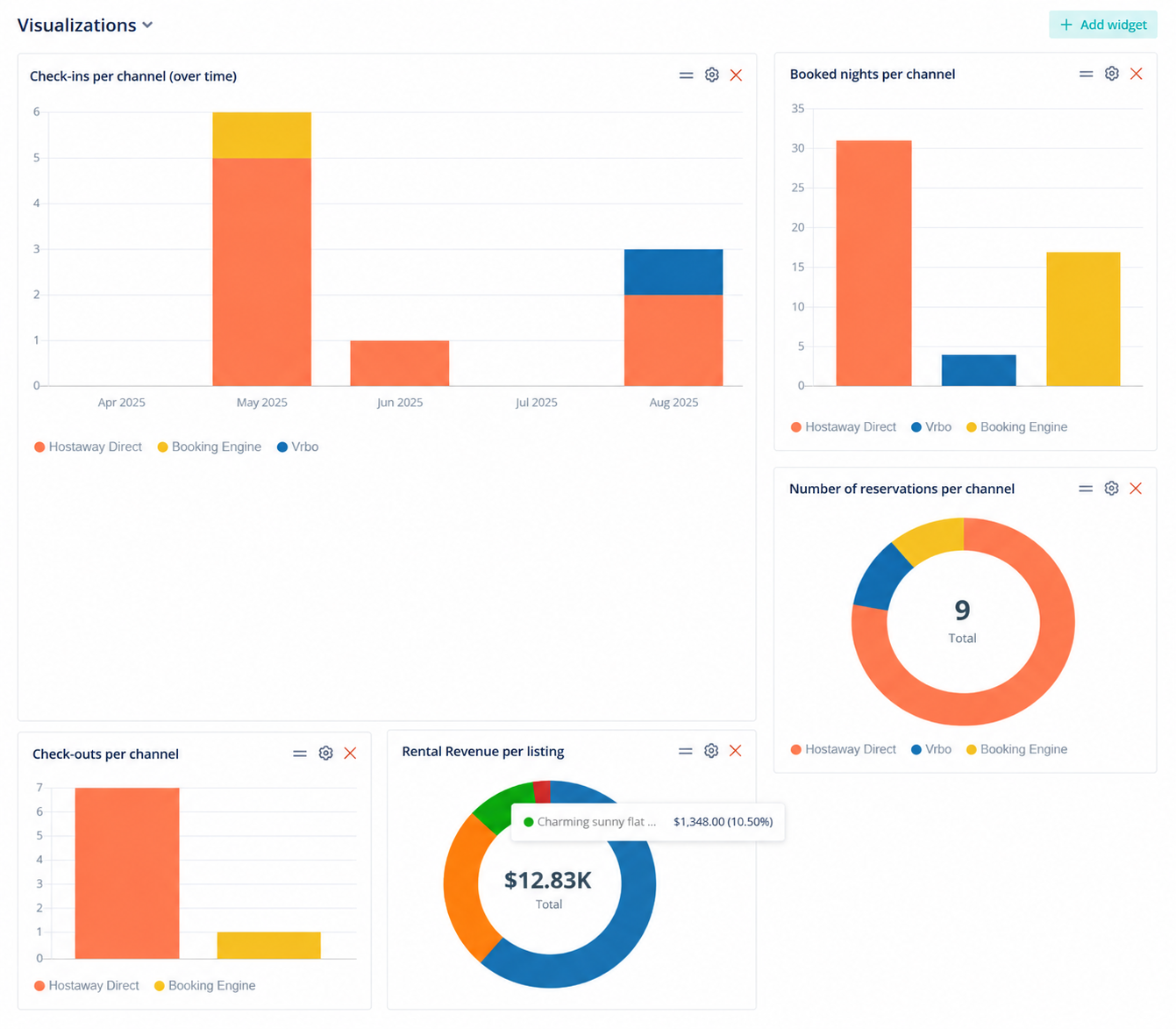
Key Metrics to Watch
Average Nightly Rate (ANR)
- The average price per booked night
Total Revenue
- Total income generated over a period
Revenue Per Available Night (RevPAN)
- Combines occupancy and pricing into one metric
Why These Metrics Matter
Together, they show:
- How well your property is performing
- Whether pricing and demand are aligned
- Where optimisation opportunities exist
Staying Informed Without the Complexity
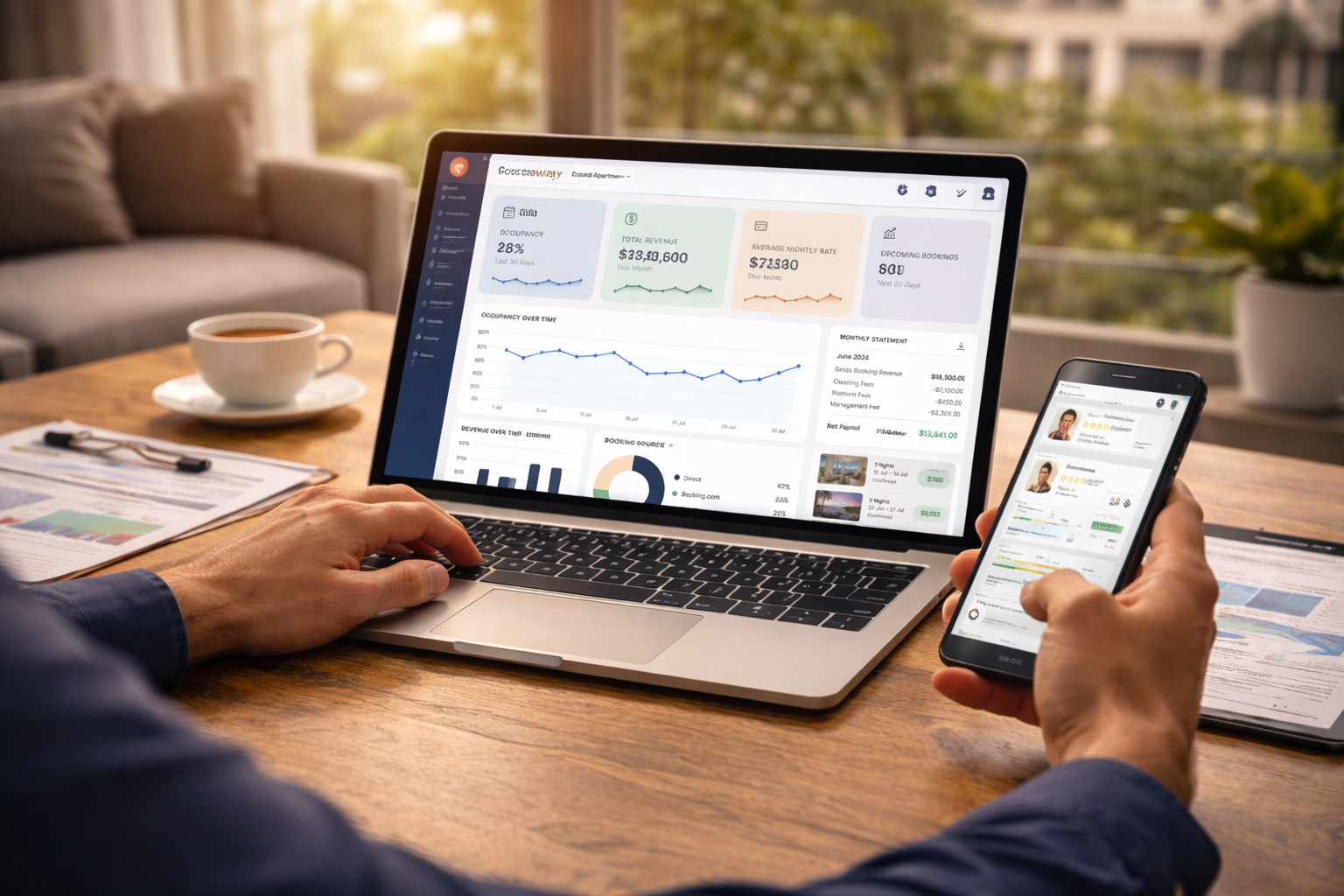
Real-Time Visibility
Your dashboard updates in real time, meaning:
- You can check performance anytime
- You always know what’s happening with your property
Covara’s Role
While the data is available to you, Covara actively:
- Monitors performance daily
- Adjusts pricing and strategy
- Optimises bookings and revenue
You don’t need to manage the data, but it’s always there if you want to understand it.
Transparency as a Standard
At Covara, transparency is not an add-on, it’s a core part of how we operate.
You should always:
- Know how your property is performing
- Understand where your income comes from
- Feel confident in the strategy behind it
A Clear View of Your Property’s Performance
Your owner portal is more than just a dashboard, it’s your window into how your property is working for you.
With real-time access, clear reporting, and ongoing optimisation behind the scenes, you stay informed without needing to be involved in the day-to-day.
If you ever want a deeper breakdown or strategic insight, Covara is always available to guide you.